Custom Login Page allows you to easily customize the appearance of your WordPress login page. Impress your clients or brand your website right from the login screen.
With this plugin, you can:
Customize the Login Logo:
– Upload your own logo.
– Set a custom URL for the logo link (defaults to your site’s homepage).
– Define a specific height for your logo.
– The width is automatically calculated based on the height, which helps prevent image distortion, maintain the correct aspect ratio, and ensure the link area is not exceeded.
Format Login Page Content:
– Set a custom background image for the entire page.
– Choose a fallback background color if not using an image.
Customize the Login Form:
– Change the form’s background color and adjust its opacity.
– Set a custom border width, color (with opacity), and border radius for the form.
– Modify the text color for labels and input fields.
– Customize link colors (normal and hover states).
Format Login Button:
– Change the background color and text color for the login button (normal and hover states).
Hide Elements:
– Option to hide the “Privacy Policy” link.
– Option to hide the language switcher (if present).
– Option to hide the “Back to [Site Name]” link.
User-Friendly Settings Page:
– Easy-to-use interface under “Settings” > “Custom Login Page”.
– Uses the WordPress Media Uploader for image selection.
– Includes a color picker for easy color selection.
– AJAX-powered settings saving for a smooth experience.
– Reset to default options available.
Protect Login with Google reCAPTCHA:
– Choose reCAPTCHA v2 Checkbox or reCAPTCHA v3 Score.
– Enter the site key and secret key directly in the Customizer.
– Select the light or dark theme for the reCAPTCHA v2 checkbox and v3 badge.
– Adjust the v3 score threshold.
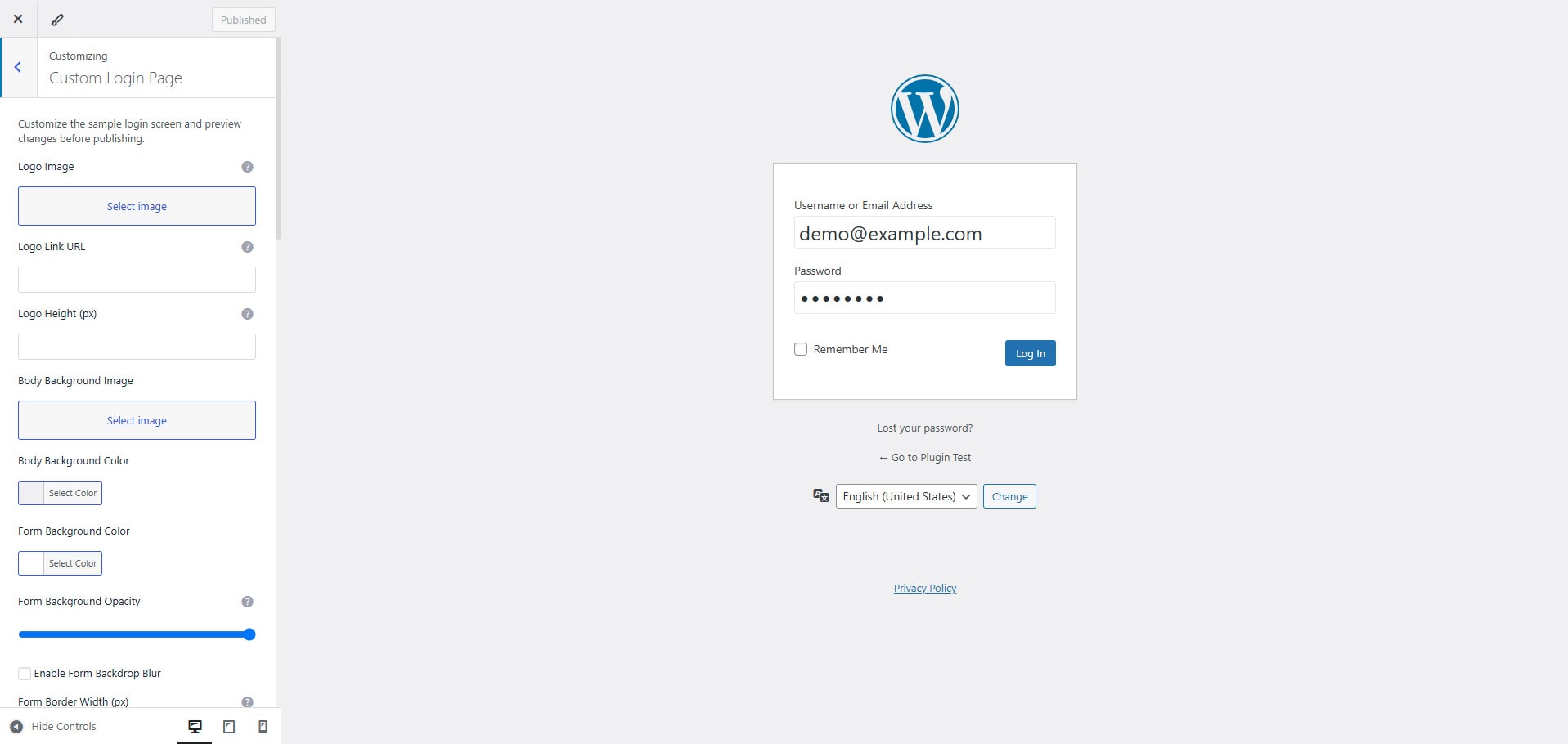
Visual Customizer Workflow:
– Easy-to-use interface under `Appearance` > `Customize` > `Custom Login Page`.
– Shows a sample login screen in the Customizer preview.
– Uses the WordPress Media Uploader for image selection.
– Includes a color picker for easy color selection.
– Reset to default options directly inside the Customizer.
Lightweight and Secure:
– Clean code following WordPress standards.
– Properly sanitizes all inputs and escapes outputs.
Translation Ready:
This plugin is ready for translation.
– A `.pot` (Portable Object Template) file named `err-custom-login-page.pot` is included in the `languages/` folder. Translators can use this file to create new language packs.
– The text domain used is `err-custom-login-page`.
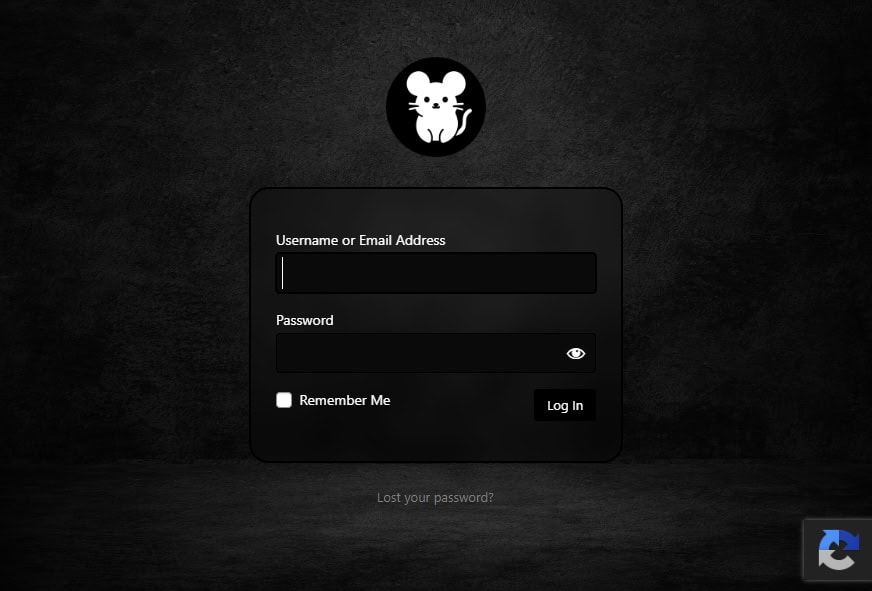
➤ This plugin provides a simple yet powerful way to transform your standard WordPress login page into a branded and visually appealing entry point for your website.